Use case
Client onboarding software for service businesses
Give every new client the same clear, structured start — instead of a different scramble every time.
Give every new client the same clear, structured start — instead of a different scramble every time.
A new team member asks how you onboard clients, and the honest answer is “it depends who does it.” One client gets a welcome call and a tidy checklist. The next gets a half-remembered email thread and a couple of forgotten steps. Nobody planned it that way — it’s just what happens when the process lives in people’s heads instead of in one place.
The cost shows up later: a missing document holds up the first deliverable, a client asks a question you’ve already answered three times, and you spend the first week of a new engagement chasing instead of working.
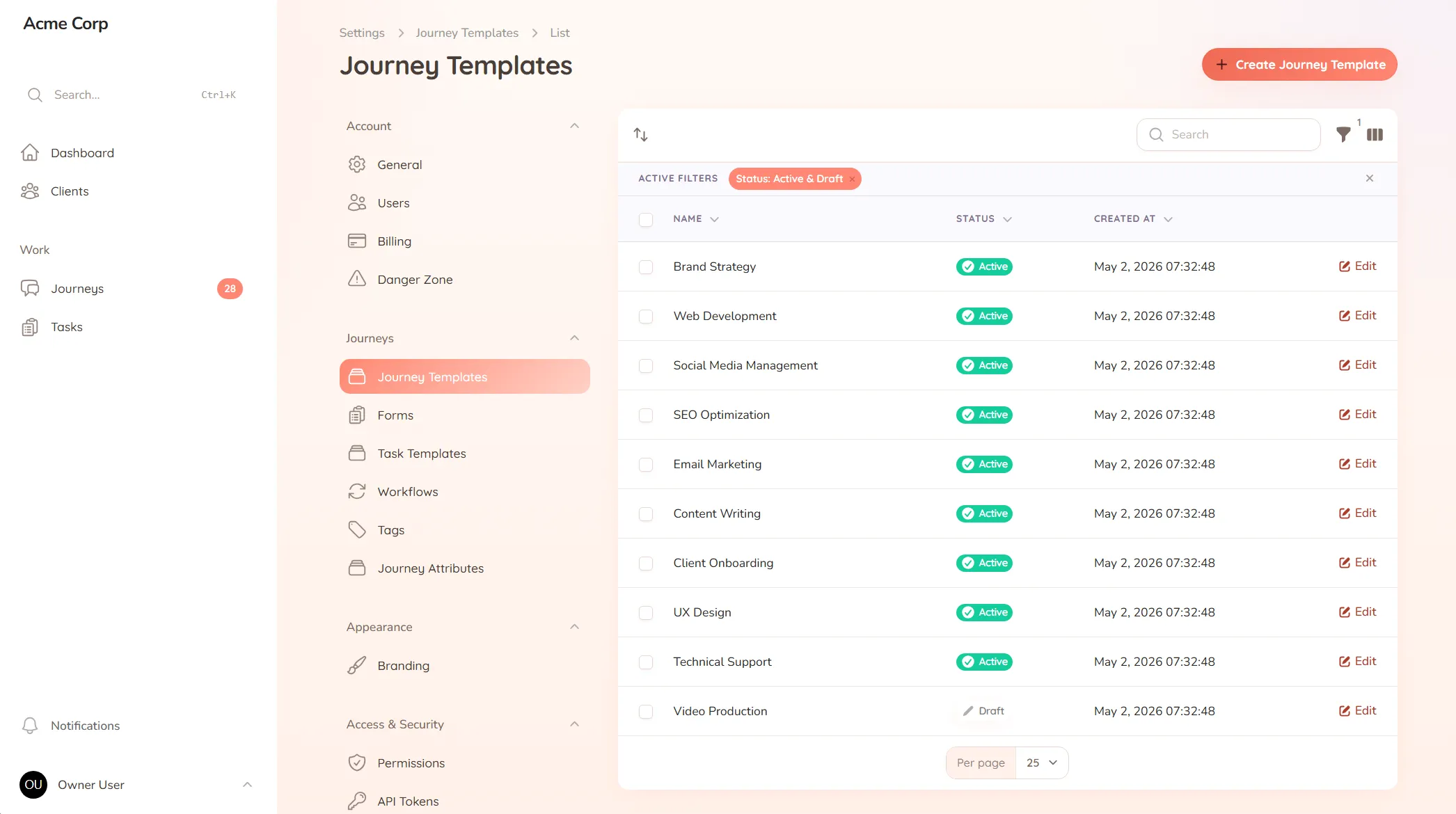
StellaJourney replaces the scramble with a repeatable process. You set up an onboarding checklist once — we call it a journey template — covering every step, form, and file you need from a new client. When you take someone on, you pick the template, assign the client, and the process runs itself.
Your client sees exactly what’s expected, in what order, with a prompt on every task. You see where each onboarding stands at a glance.
Most onboarding problems are small until they stack up. The welcome email goes out, but the file request is missing. The contract is signed, but the access details are still in someone’s inbox. A client has answered half the questions, but nobody knows which half without checking the thread.
That is why client onboarding software has to do more than store a checklist. It needs to show both sides what has been asked, what has been sent, what is overdue, and what happens next. Otherwise the process still depends on someone remembering to chase the next step.
StellaJourney keeps those details attached to the client process itself. The client does not need to know your internal workflow. They only need a clear list of what to do. Your team gets the operational view behind it, so the same onboarding process can run across clients without turning into a spreadsheet audit.
From the client’s side, onboarding feels like a guided list rather than a pile of instructions. They log in, see the tasks waiting for them, and work through each request with the context beside it. If you need a signed document, a file upload, a form response, or a simple confirmation, the ask is clear.
That matters because client onboarding fails when the client has to interpret the process for themselves. “Send over what we need to get started” sounds simple to your team, but vague to the person receiving it. StellaJourney turns that into specific tasks with prompts, so the client knows what counts as done before they submit it.
The value compounds when you offer more than one service. A marketing agency can run one onboarding checklist for retainers and another for one-off projects. An accounting firm can separate new-client setup from tax-season document collection. A consultant can use one process for discovery and another for implementation.
Each process can be reused without making every client feel generic. You keep the steps that should never be missed, then adapt the details for the service, client, or project in front of you.
It’s not another tool to manage. It removes the work you’re already doing to manage the mess, and gives every new client the same calm, organised start.
Reusable journey blueprints with workflow, intake fields, sort order and starter tasks.
New accounts get a getting-started checklist that tracks setup progress and can be restarted later.
Clients are invited in and land in the right portal, whether they're a brand-new user or an existing one.
Every user picks which notifications they get in-app and by email, tailored to their role.
Stale or unassigned work bubbles up automatically, so nothing slips through the cracks.
Clients update their profile, change their password, and manage notification preferences without your help.
Most teams start from a journey template, adjust a few steps, and invite their first client the same day. You're not building a process from scratch — you're adapting one that already works.
Clients log in because it's simpler than digging through their inbox. They see exactly what's needed and what's next, with prompts on each task — so there's nothing to remember or search for.
Yes. Build a separate journey template for each service you offer, then assign the right one when you take on a client.
Client approval workflow software
Request and track client sign-offs right on the work — instead of hunting for a yes across a dozen email replies.
A client communication tool that keeps context
Keep every client conversation tied to the work it's about — instead of scrolling 40 emails to find the one reply that mattered.
Client request management for service businesses
Catch every client request in one place — instead of email, Slack and texts you have to stitch together yourself.
Set up your first journey, invite a client, and see how it feels.