For your industry
Client portal for MSPs
Onboard new accounts, catch every request, and keep client-facing work organised — one shared space for your MSP and its clients.
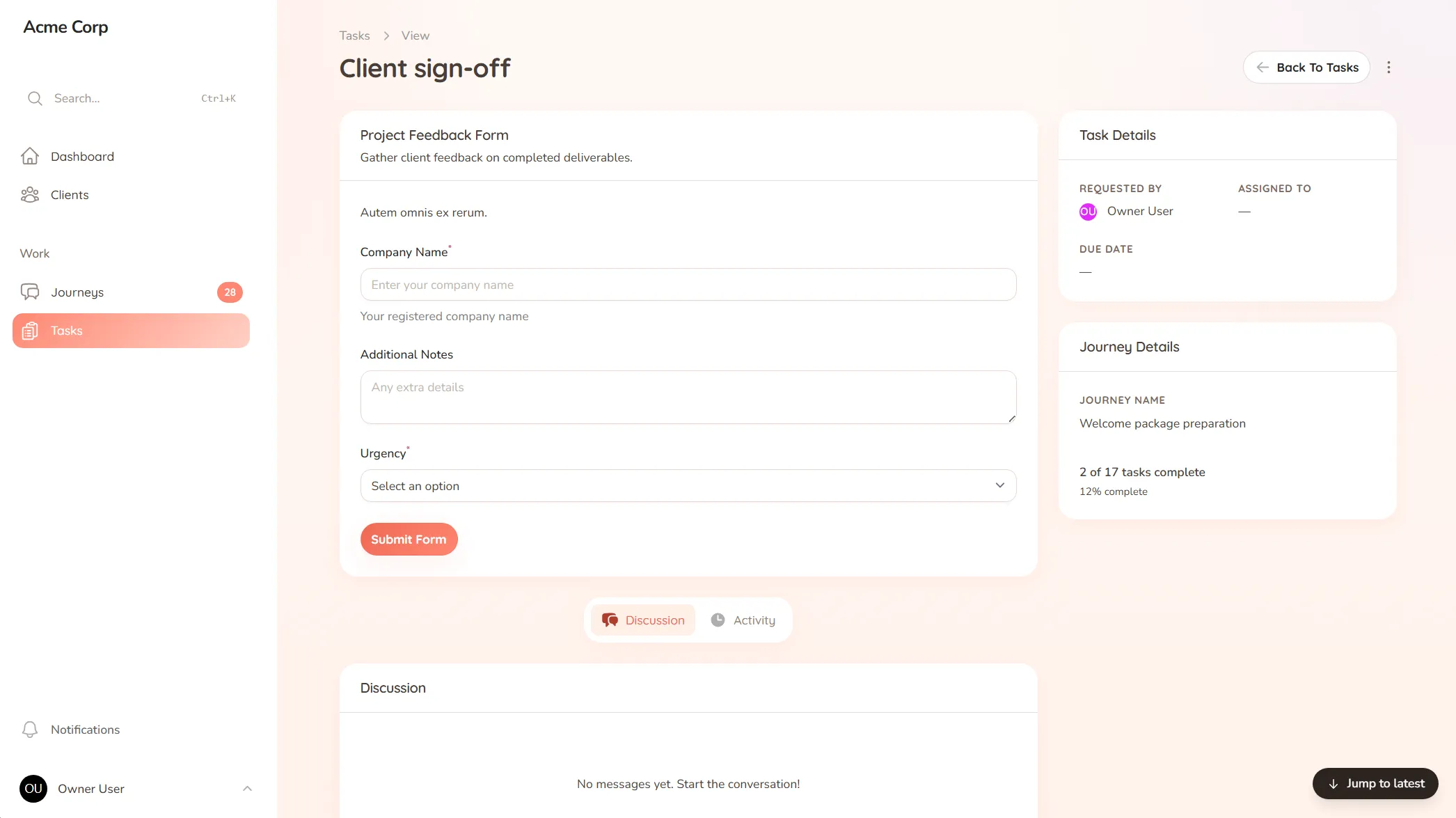
Onboard new accounts, catch every request, and keep client-facing work organised — one shared space for your MSP and its clients.
What you onboard
New accounts, system access, asset lists and the credentials and contacts you need before you can support a client.
Typical requests
Support tickets, change requests, access changes and the steady stream of "can you set this up for us" asks.
A client calls about a change they need. The tech who answered jots it on a sticky note, gets pulled into an outage, and the note becomes part of the desk’s permanent geology. A week later the client asks why it’s not done, and the honest answer is that it never made it into anything you actually track. It wasn’t ignored — it just never landed somewhere you’d see it.
MSPs run tight internal systems, but the front door for clients is often whatever channel they reach for: a call, an email, a message to the tech they happen to know. The intake is the leak, and onboarding a new account — with all its access, assets and contacts — is its own scramble every time.
StellaJourney gives your MSP and each client a client portal that becomes the single front door for client-facing work.
This sits alongside your RMM and PSA, not on top of them — it’s the layer between you and the client, so internal tooling stays internal and client requests stop slipping. We call each engagement a journey; to the client it’s just where their requests go.
It’s not a ticketing replacement and it’s not a CRM — it’s the client-facing intake that keeps requests from vanishing, priced flat with no per-seat fees. Every ask lands somewhere you’ll see it, and nothing falls through the cracks.
Clients raise new requests from the portal without seeing internal setup fields or staff-only structure.
Every task across every journey, grouped, filtered, sorted by priority and due date.
Three task types, simple todo, file upload and structured form, so work is collected in the right shape.
Reusable journey blueprints with workflow, intake fields, sort order and starter tasks.
Every user picks which notifications they get in-app and by email, tailored to their role.
Clients are invited in and land in the right portal, whether they're a brand-new user or an existing one.
No. Your RMM and PSA run your internal operations. StellaJourney is the client-facing layer — onboarding, intake and the requests clients submit — so client asks arrive in one place instead of scattered across email and calls.
Clients submit from their own portal, so every request lands in one inbox with the context attached — instead of arriving as a phone call to whoever picked up and a half-remembered note.
Yes. Build your account onboarding once — access, asset inventory, contacts, documentation — as a template, and run it the same way for every new client, so no setup step gets missed.
New and overdue requests gather in one queue, sorted by what needs attention first, so a request doesn't disappear because the person who took the call got pulled onto something else.
Client request management for service businesses
Catch every client request in one place — instead of email, Slack and texts you have to stitch together yourself.
Client onboarding software for service businesses
Give every new client the same clear, structured start — instead of a different scramble every time.
Reusable client onboarding templates
Build your client process once and reuse it for every client — instead of rebuilding the same steps from memory each time.
Client task management for service teams
Track every task on both sides of the client relationship — so you always know what's done, what's pending, and who's waiting on who.
Client portal for accountants
Collect financials and tax documents, onboard new clients, and stop chasing paperwork — one client portal for your firm.
Client portal for architects
Collect site briefs, keep design revisions tidy, and get clear sign-offs — one shared space for your practice and its clients.
Client portal for coaches
Onboard clients, set and track session work, and keep progress in one place — one shared space for your coaching practice.
Set up your first journey, invite a client, and see how it feels.