For your industry
Client portal for coaches
Onboard clients, set and track session work, and keep progress in one place — one shared space for your coaching practice.
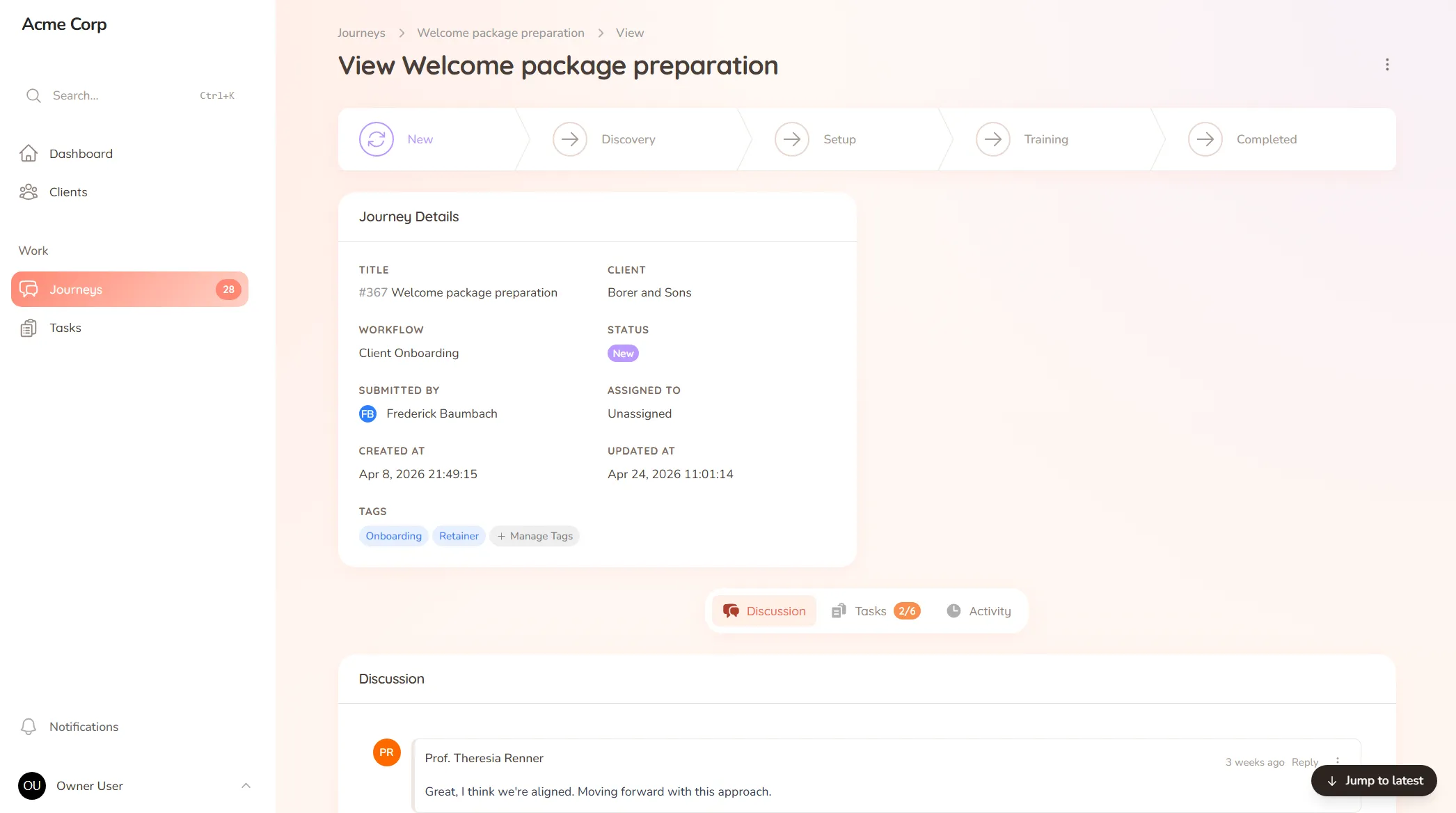
Onboard clients, set and track session work, and keep progress in one place — one shared space for your coaching practice.
What you onboard
Client goals, assessments, intake questionnaires and the background you need before the first session.
Typical requests
Homework submissions, session prep, accountability check-ins and the between-session work that keeps momentum going.
You ended last session with a clear action: the client would try the exercise, note what came up, and bring it next time. Session arrives, and… they meant to. It slipped. Now you’re spending the first fifteen minutes re-explaining what was supposed to happen, the momentum from last time is gone, and the progress you’re both paying for stalls.
Coaching works between the sessions as much as in them. But when the homework, the goals and the check-ins live in your notes and the client’s good intentions, accountability depends on memory — and memory is exactly what a busy client runs short on.
StellaJourney gives you and each client a shared client portal where the work between sessions actually lands.
Build your program once as a template and run it for every client, while still tailoring it to the person. The client sees exactly what to do next, with a prompt on each step — no app to learn, just a clear path forward.
It’s not a scheduling app or a course platform — it’s the shared space that carries the work between sessions, priced flat with no per-seat fees. Clients show up having done the work, momentum holds, and nothing falls through the cracks.
Three task types, simple todo, file upload and structured form, so work is collected in the right shape.
Reusable journey blueprints with workflow, intake fields, sort order and starter tasks.
Staff and clients message back and forth inside the journey, with formatting, mentions and notifications built in.
Every user picks which notifications they get in-app and by email, tailored to their role.
Clients complete todos, upload requested files, and submit form-based tasks in one portal.
Clients are invited in and land in the right portal, whether they're a brand-new user or an existing one.
Each piece of homework is a clear task in the client's portal. They see what to do, complete it there, and you both see it's done — so the work doesn't get lost between sessions or forgotten until the next call.
Yes. Build your program once — intake, goals, session-by-session work — as a template, and run it for each new client, while still adjusting for the person in front of you.
Tasks prompt the client on their own, and reminders run without you sending them. The accountability is built into the structure, so you show up as a coach, not a chaser.
Messages stay tied to the work or the program, so a note about an exercise stays with that exercise. The thread holds the context instead of scattering across texts and email.
Client task management for service teams
Track every task on both sides of the client relationship — so you always know what's done, what's pending, and who's waiting on who.
Client onboarding software for service businesses
Give every new client the same clear, structured start — instead of a different scramble every time.
A client communication tool that keeps context
Keep every client conversation tied to the work it's about — instead of scrolling 40 emails to find the one reply that mattered.
Collect files from clients without the chase
Request documents and files with clear prompts and automatic reminders — instead of chasing the same attachment for two weeks.
Client portal for accountants
Collect financials and tax documents, onboard new clients, and stop chasing paperwork — one client portal for your firm.
Client portal for architects
Collect site briefs, keep design revisions tidy, and get clear sign-offs — one shared space for your practice and its clients.
Client portal for consultants
Onboard engagements, keep deliverables moving, and get clean milestone sign-offs — one shared space for you and your clients.
Set up your first journey, invite a client, and see how it feels.