For your industry
Client portal for HR consultants
Onboard clients, collect compliance documents, and run policy reviews — one shared space for your HR consultancy and its clients.
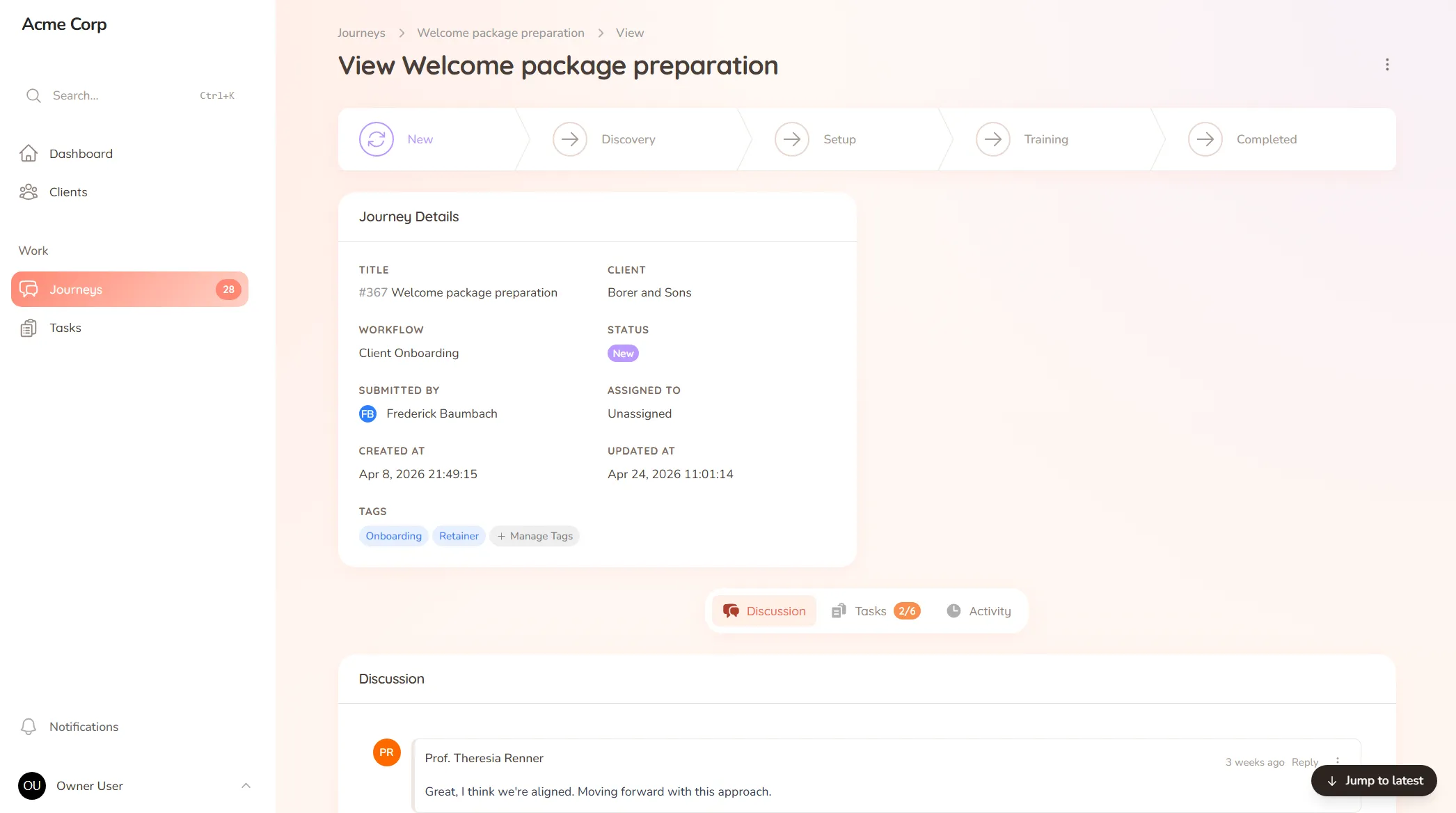
Onboard clients, collect compliance documents, and run policy reviews — one shared space for your HR consultancy and its clients.
What you onboard
Employee onboarding details, compliance documents, existing policies and the records you need before you can advise.
Typical requests
Policy reviews, audit requests, document sign-offs and the recurring paperwork that keeps a client compliant.
A client’s facing an audit and asks when their updated policy was approved, and by whom. You know it happened — you walked them through it — but the approval was on a call, the document went back and forth over email, and now you’re scrolling through threads trying to prove a date you can’t quite pin down. The work was done properly; it’s just that the record of it is scattered, which in HR is its own kind of risk.
HR consulting runs on documents, policies and a clear trail of what was agreed and when, across every client. When that lives in email, the trail has gaps — and gaps are exactly what surface at audit time, or when a client needs to show they did the right thing.
StellaJourney gives your consultancy and each client a shared client portal where documents and sign-offs stay on the record.
Clients get a clear list of what’s needed, with a prompt on each item and a portal branded with your logo. We call each engagement a journey; to the client it’s just where your work together lives.
It’s not an HRIS or payroll system — it’s the client-facing layer those tools don’t cover, priced flat with no per-seat fees. Documents come in complete, sign-offs stay on the record, and nothing falls through the cracks.
Reusable journey blueprints with workflow, intake fields, sort order and starter tasks.
Three task types, simple todo, file upload and structured form, so work is collected in the right shape.
Build standalone forms once, then reuse them as structured task work items everywhere they're needed.
Clients approve work waiting on sign-off, or send it back with feedback when revisions are needed.
Every user picks which notifications they get in-app and by email, tailored to their role.
Clients are invited in and land in the right portal, whether they're a brand-new user or an existing one.
Clients upload documents into their own portal as part of a clear request, so policies, contracts and records land against the right client and named correctly — instead of as email attachments you have to sort and file.
Yes. Build your intake once — policies, compliance records, employee details — as a template, and run it for every client, so the same complete set is collected each time and nothing required is missed.
A policy is sent for approval right on the document, so the client confirms it in one place and you have a clear record of what was signed off and when — useful when an audit asks exactly that.
No. StellaJourney doesn't run payroll or hold your HR database. It's the client-facing side — onboarding, document collection and reviews — so the back-and-forth with clients stops living in your inbox.
Collect files from clients without the chase
Request documents and files with clear prompts and automatic reminders — instead of chasing the same attachment for two weeks.
Client onboarding software for service businesses
Give every new client the same clear, structured start — instead of a different scramble every time.
Client approval workflow software
Request and track client sign-offs right on the work — instead of hunting for a yes across a dozen email replies.
Client request management for service businesses
Catch every client request in one place — instead of email, Slack and texts you have to stitch together yourself.
Client portal for accountants
Collect financials and tax documents, onboard new clients, and stop chasing paperwork — one client portal for your firm.
Client portal for architects
Collect site briefs, keep design revisions tidy, and get clear sign-offs — one shared space for your practice and its clients.
Client portal for coaches
Onboard clients, set and track session work, and keep progress in one place — one shared space for your coaching practice.
Set up your first journey, invite a client, and see how it feels.