For your industry
Client portal for event planners
Onboard clients, lock in timeline approvals, and keep every detail in one place — one shared space for your event business and its clients.
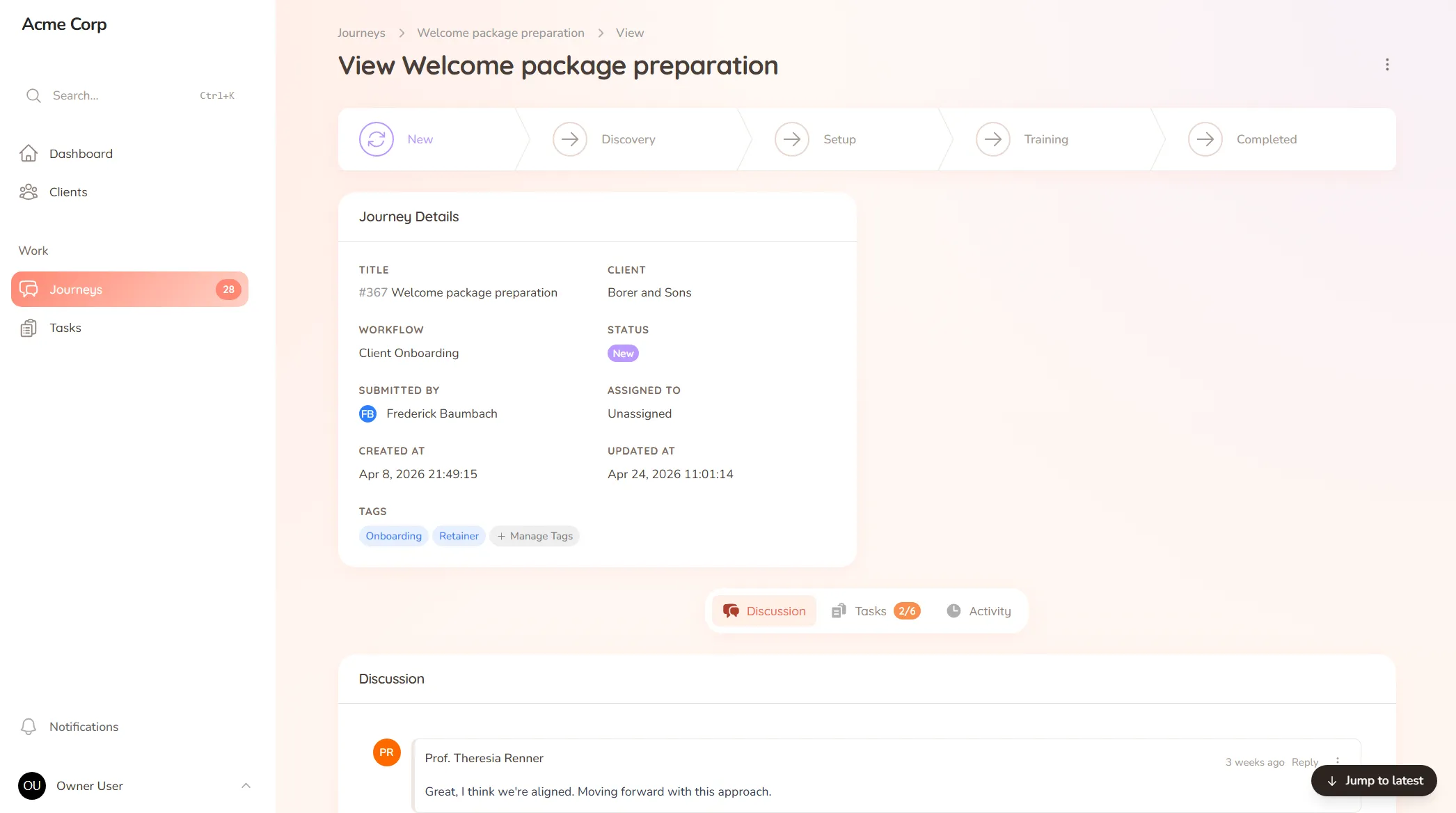
Onboard clients, lock in timeline approvals, and keep every detail in one place — one shared space for your event business and its clients.
What you onboard
Event briefs, guest counts, vendor lists and the details and preferences you need before you can plan.
Typical requests
Timeline approvals, supplier coordination, menu and detail sign-offs and the last-minute "can we change one thing" asks.
The client mentioned, in passing on a call, that the colour scheme had changed. You noted it. But the florist was briefed off the old palette, the order’s already placed, and you only catch it the week of the event. One small change, made in conversation and never written down where everyone could see it, ripples into a scramble of phone calls days before the day that has to be perfect.
Events are a thousand small decisions made under a fixed, unmovable deadline. When the brief, the timeline and the running list of changes live across email, texts and your own notes, one missed detail isn’t a minor slip — it shows up in the room, in front of everyone.
StellaJourney gives you and each client a shared client portal where every decision and approval is on the record, not in a passing conversation.
Build your process once as a template and run it for every event, while tailoring each one. The client sees exactly what needs their input, with a prompt on each task. We call each event a journey; to the client it’s simply where their day comes together.
It’s not a ticketing or venue-booking tool — it’s the client-facing space that keeps every detail on the record, priced flat with no per-seat fees. Decisions stay locked, changes stay visible, and nothing falls through the cracks.
Reusable journey blueprints with workflow, intake fields, sort order and starter tasks.
Three task types, simple todo, file upload and structured form, so work is collected in the right shape.
Clients approve work waiting on sign-off, or send it back with feedback when revisions are needed.
Staff and clients message back and forth inside the journey, with formatting, mentions and notifications built in.
Every user picks which notifications they get in-app and by email, tailored to their role.
Clients are invited in and land in the right portal, whether they're a brand-new user or an existing one.
Each sign-off is requested right on the timeline or detail, so the client sees exactly what they're approving and responds in one place. You know what's locked and what's still open, with no last-minute confusion.
Every decision becomes a clear task with an owner and a prompt, so the hundred little choices an event needs don't live in your head or scattered across messages. You see what's still outstanding at a glance.
Yes. Build your planning process once as a template — brief, timeline, vendor coordination, sign-offs — and run it for every event, so no stage gets skipped under deadline pressure.
Messages stay tied to the detail they're about, so a note about the seating plan stays with the seating plan. The conversation holds its context instead of scattering across email and texts.
Client onboarding software for service businesses
Give every new client the same clear, structured start — instead of a different scramble every time.
Client approval workflow software
Request and track client sign-offs right on the work — instead of hunting for a yes across a dozen email replies.
Client task management for service teams
Track every task on both sides of the client relationship — so you always know what's done, what's pending, and who's waiting on who.
Client request management for service businesses
Catch every client request in one place — instead of email, Slack and texts you have to stitch together yourself.
Client portal for accountants
Collect financials and tax documents, onboard new clients, and stop chasing paperwork — one client portal for your firm.
Client portal for architects
Collect site briefs, keep design revisions tidy, and get clear sign-offs — one shared space for your practice and its clients.
Client portal for coaches
Onboard clients, set and track session work, and keep progress in one place — one shared space for your coaching practice.
Set up your first journey, invite a client, and see how it feels.