For your industry
Client portal for property managers
Onboard tenants and owners, catch maintenance requests, and keep records straight — one shared space for your property business.
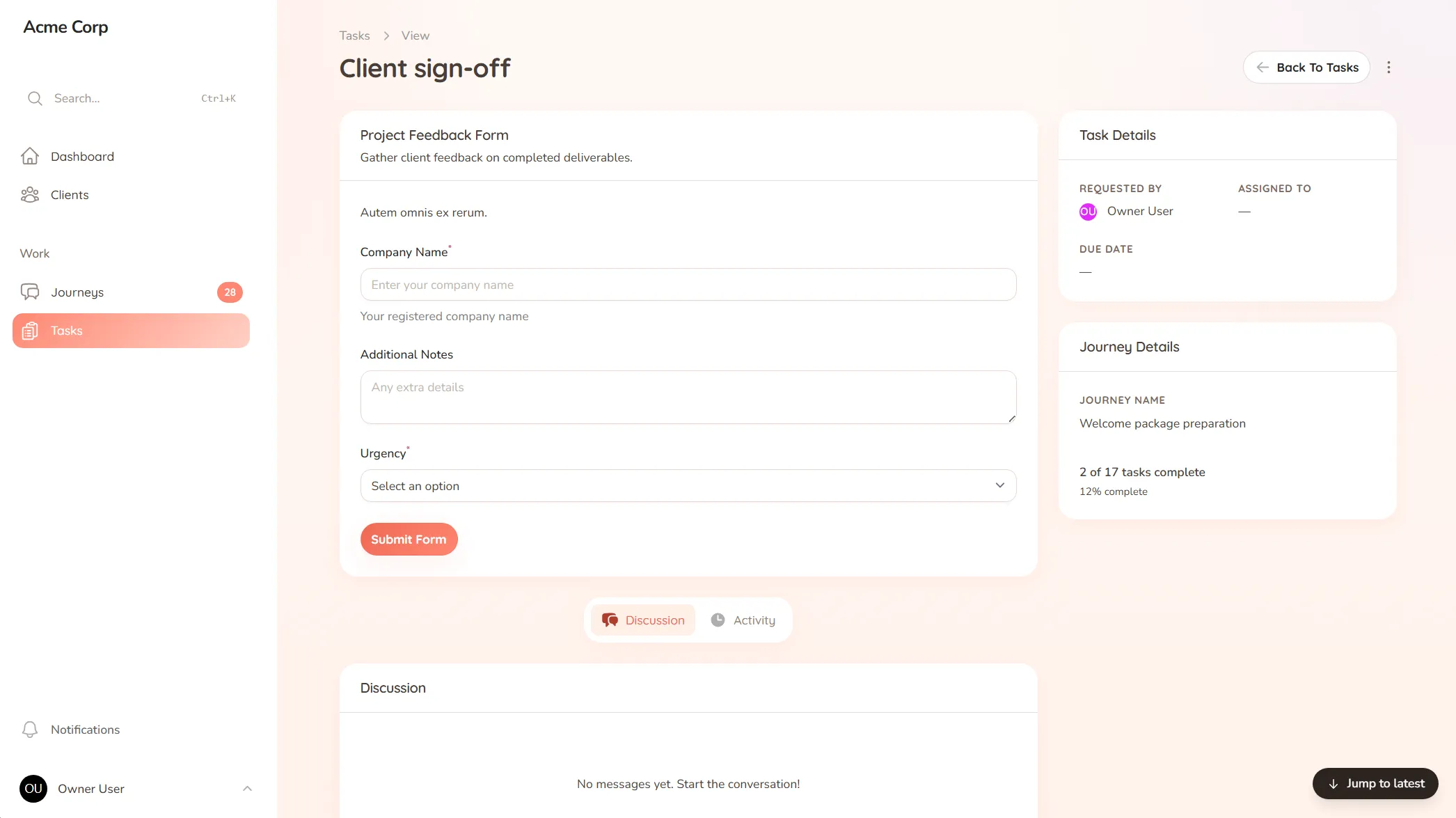
Onboard tenants and owners, catch maintenance requests, and keep records straight — one shared space for your property business.
What you onboard
New tenants, lease signing, owner details and the documents and references you need before move-in.
Typical requests
Maintenance requests, inspection reports, lease queries and the day-to-day issues that come in from every property.
A tenant reports a leak by text on Saturday, calls the office Monday, then emails “as discussed” on Tuesday. Three messages, one problem, and no single place that says who’s handling it or whether anyone is. The tenant feels ignored, the owner hears about it before you’ve acted, and the repair that should have been a quick job becomes a complaint — not because you didn’t care, but because the request never landed somewhere you’d reliably see it.
Property management is a constant stream of requests from tenants and updates owed to owners, across every unit you manage. When those come in by whatever channel each person prefers, things get reported twice, missed once, and chased constantly.
StellaJourney gives you, your tenants and your owners a shared client portal where every request and record has one clear home.
Tenants and owners see exactly what’s been logged and where it stands, with a prompt on what’s theirs to do. We call each relationship a journey; to them it’s just where their requests go.
It’s not a rent ledger or a listings platform — it’s the client-facing layer those tools don’t cover, priced flat with no per-seat fees. Requests land in one place, records stay straight, and nothing falls through the cracks.
Clients raise new requests from the portal without seeing internal setup fields or staff-only structure.
Every task across every journey, grouped, filtered, sorted by priority and due date.
Three task types, simple todo, file upload and structured form, so work is collected in the right shape.
Build standalone forms once, then reuse them as structured task work items everywhere they're needed.
Every user picks which notifications they get in-app and by email, tailored to their role.
Clients are invited in and land in the right portal, whether they're a brand-new user or an existing one.
Tenants submit requests from their own portal, with details and photos attached, so every issue lands in one inbox instead of arriving as a missed call, a text and an email about the same leak.
Every request gathers in one queue, with the urgent and overdue ones first, so you can see what's open across all your properties at a glance rather than juggling separate threads.
Yes. Build move-in once as a checklist — references, lease signing, documents, deposit confirmation — and run it for every tenant, so no step gets missed and move-in day isn't a scramble.
No. StellaJourney doesn't handle rent ledgers or listings. It's the client-facing side — onboarding, requests and records — so tenant and owner communication stops scattering across calls and texts.
Client request management for service businesses
Catch every client request in one place — instead of email, Slack and texts you have to stitch together yourself.
Client onboarding software for service businesses
Give every new client the same clear, structured start — instead of a different scramble every time.
Collect files from clients without the chase
Request documents and files with clear prompts and automatic reminders — instead of chasing the same attachment for two weeks.
Client task management for service teams
Track every task on both sides of the client relationship — so you always know what's done, what's pending, and who's waiting on who.
Client portal for accountants
Collect financials and tax documents, onboard new clients, and stop chasing paperwork — one client portal for your firm.
Client portal for architects
Collect site briefs, keep design revisions tidy, and get clear sign-offs — one shared space for your practice and its clients.
Client portal for coaches
Onboard clients, set and track session work, and keep progress in one place — one shared space for your coaching practice.
Set up your first journey, invite a client, and see how it feels.